B2B E-commerce Product Data: Specifications, Variants and Pack Sizes
The catalogue checks I would make before rewriting another product description.
A product page can read well and still leave a buyer unsure what will arrive. Is the price for one bracket or a pack of ten? Does the dimension describe the channel or the slot? Does the photograph show the single-tier assembly or the double-tier version?
Those are ordinary questions in an industrial catalogue. They are also the reason I would check the product data before commissioning another round of SEO descriptions. More copy is only useful when it makes the item easier to identify correctly.
My work at Direct Channel Support Systems spans product content, WooCommerce and the practical buying journey. That combination has made me interested in the gaps between what a spreadsheet says, what the page shows and what a customer believes they are ordering. This is the audit approach I would use to close those gaps.
Start with product identity
Choose a reliable source for each field before editing anything. That might be an approved technical drawing for dimensions, a supplier specification for material or an internal product record for the selling quantity. An old description is not automatically a reliable source simply because it is already published.
A SKU can help identify a variant when the business has a documented naming convention. It should not become a guessing exercise. If a particular token identifies a double-tier assembly in one product family, confirm that rule with the people who maintain the range before applying it across an export. Similar-looking codes elsewhere may mean something different.
Record both the evidence and the proposed correction. Where the sources disagree, put the product into a review queue. Leaving a technical claim unresolved is better than confidently publishing the wrong specification.
Give every dimension a name
Numbers without labels are a common source of confusion. A channel can have an overall profile size, a material thickness, a length and a slot size. Each answers a different question. A slot measuring 14 × 28 mm does not make the channel itself 14 mm wide.
I would separate those fields in the working sheet and then use the same labels in the description, specification table and drawing. Check the units as well: millimetres and metres should not switch silently between the title and the technical details.
For assemblies, distinguish the size of the component from the dimensions of the finished arrangement. Explain which parts are included. A buyer should not have to infer the contents from an attractive photograph.
Make the selling quantity unmistakable
A pack size is commercial information, not a minor attribute. If a listing is for ten clips, the buyer should be able to establish that before adding it to the basket. The title, visible price basis, product description and basket line should tell a consistent story.
Test the quantity selector with someone who has not built the page. Ask what they expect to receive after selecting two. If their answer differs from the warehouse's interpretation, the interface needs clearer wording.
Also distinguish the selling unit from a recommended installation quantity. A recommendation to use several clips on a lid does not tell the customer how many clips are supplied. Keep those statements separate and ensure the recommendation itself has a technical source.
Audit images as part of the data
The wrong image can undermine a correct title. Review images by product family, especially where several variants look similar at thumbnail size. Single- and double-tier assemblies, different finishes and different component counts deserve particular attention.
Check the gallery as well as the main image. A corrected first photograph does not resolve a contradictory diagram further down the page. Alt text should accurately describe the image; adding more keywords cannot repair a mismatch between the picture and the product.
For shared illustrations, explain what they represent. Where practical, use the relevant variant rather than expecting a customer to understand that the picture is only an example.
Build an audit sheet that can be reviewed
| Check | Evidence to compare | Useful action |
|---|---|---|
| Product identity | SKU, title and approved product record | Confirm the exact variant |
| Dimensions | Drawing, attributes and description | Separate and label each measurement |
| Selling quantity | Pack size, price basis and basket line | Make the unit explicit |
| Images | Main image, gallery and diagram | Replace conflicting variant imagery |
| Technical claims | Approved specification or supplier evidence | Correct or flag unsupported statements |
Keep original values beside proposed values. Include a reason for each edit and a column for unresolved questions. This makes review far easier than handing someone a completed import and asking whether it looks right.
Separate an image-only update from a wider content correction when that is the agreed scope. Preserve identifiers and URLs unless there is a deliberate reason to change them. Before uploading, check how the import tool interprets blank fields and whether it is matching products by the intended identifier. Test a small, representative batch and inspect the resulting pages.
Connect the visible page to search data
Structured data should describe the same product that a visitor can see. For genuine product families with variants, Google documents ProductGroup and product-variant structured data. The appropriate implementation depends on how the store presents its variants; adding markup is not a substitute for fixing the underlying catalogue.
Keep URL decisions deliberate. Google's e-commerce URL guidance discusses consistent URLs and variant handling. A routine specification correction should not automatically become a site-wide slug rewrite.
Once the facts agree, review the product-page SEO: useful titles, relevant headings, clear internal links and descriptions that answer real buying questions. The aim is a page that is both discoverable and dependable.
Check whether the confusion actually falls
I would monitor product-related enquiries, wrong-variant returns and questions about pack quantities alongside product-page and purchase data. Write down what changed and when. Stock availability, advertising and pricing can affect sales at the same time, so a before-and-after revenue increase alone does not isolate the effect of better content.
There is also a practical quality measure: can another person reconcile the page with its source record without asking what a field means? If that becomes easier, the catalogue is easier to maintain as well as easier to buy from.
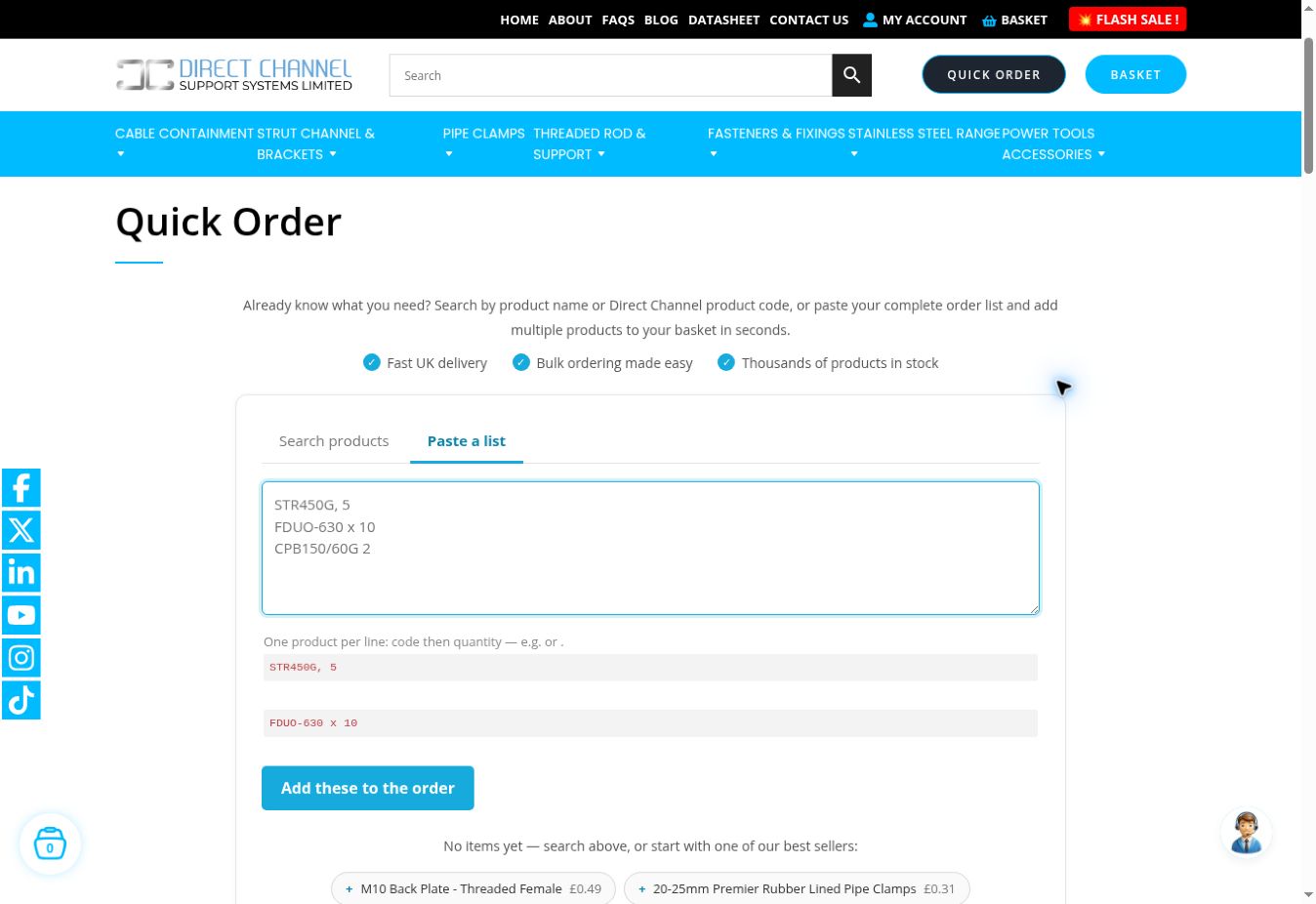
Accurate data also supports tools such as bulk ordering and clearer checkout messages. A faster order form is most useful when the product code, description, quantity and price behind it are dependable.
Common questions
Should every variant have a separate page?
Not automatically. The decision depends on the product family, buying task and existing site structure. Review variant selection and indexing together before changing established URLs.
Can AI help clean a catalogue?
It can help identify inconsistent wording or organise fields for review. It should not invent missing dimensions, load ratings, finishes or compatibility. Technical facts still need an approved source.
What should be fixed first?
Prioritise mistakes that could cause someone to order the wrong item: identity, dimensions, included components and selling quantity. Improve the prose once those foundations are sound.